School hasn't evolved with technology.
We changed that.

The complete Flow for your Studies

01

Listen to your lecture. We take care of the rest.

Capture a lecture while it happens or bring in a recording later, so you can actually focus on what is said instead of trying to keep up with writing.

AI Transcription

You can either transcribe your classes in realtime and then create lesson out of them, or directly record/upload audio files to be transcribed.
02

Turn raw material into a lesson.

Bring scattered study material into one writing space. Build the structure yourself or let AI prepare a clear first version. Create your lesson with our Notion-like text editor:
  • Block-based
  • Easy to understand
  • Simple yet Powerful

The AI toolbar

Upload your study material, whether it's pictures of your notes, PDFs, or even links, and create a beautifully organized lesson in seconds.
03

Ask. Explore. Actually understand.

Chat with your lessons, and finally understand the most subtle concepts. Toggle the "Teaching" mode, for a full guidance on the subject, with questions in a back and forth conversation.

Use Lessons as Context

You can give the AI your lessons as context so it knows precisely what you are talking about.
04

From pixels to memory

Create flashcards from your lessons. Sort them in decks, and study them directly inside the app.

AI Flashcards Maker

Save hours by letting AI create Flashcards for you, from any lessons you've made.
05

Give deep work a rhythm.

Knowledge grows through consistent attention. Review actively, protect time for focus and see the effort you are putting in.

Clean and modern interface.

An app that you actually want to look at.

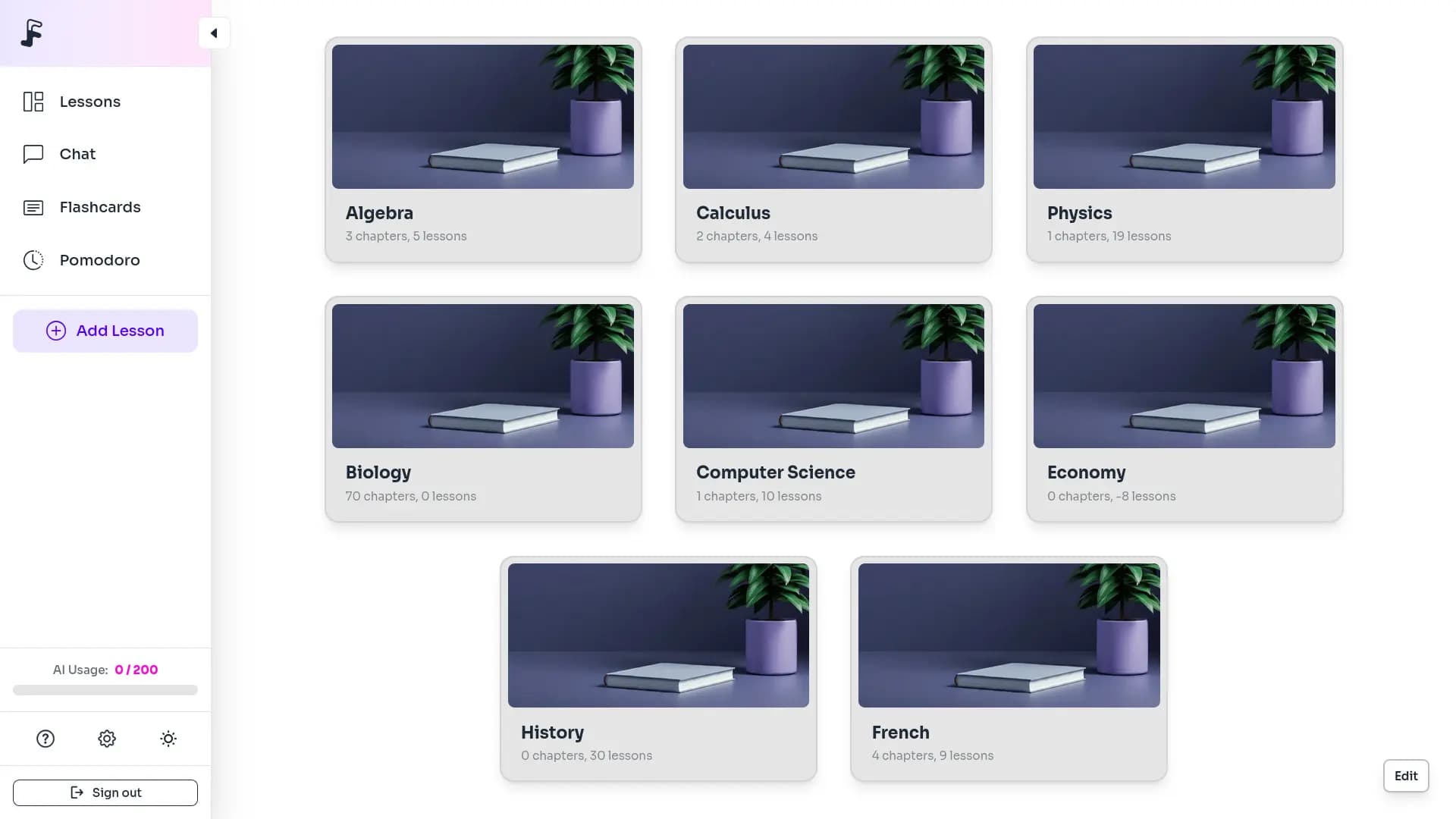
The Flowledge dashboard: lessons organised by chapter, with the chat, flashcards and Pomodoro timer within reach

Teamwork makes the dream work.

Share lessons with a link to other Flowledge users, or export it as a PDF to send, print, and study together.

Chapters

Lesson

The moon landing

Create a share link

Generate a sharing point, copy the link, and let someone import this lesson.

Built with security in mind

Your privacy matters. We've implemented advanced security measures to ensure your study data remains protected and private.

OAuth 2.0 Authentication

Industry-standard secure login protocol.

JWT Token Security

Secure, encrypted tokens for authentication that never expose your credentials

Privacy by Design

Built from the ground up with privacy as a core principle. We do not collect, store, or sell any data from you.

Learning has never been that easy.

But don't listen to us. Listen to them.

CaptainxLama
It's not just normal studying, it goes way beyond that: it starts by simplifying your classes, but ends up simplifying your whole life...
Clippy
I was skeptical at first, but after using Flowledge for a week, it's now a core part of my workflow.
Emily Chen
As a busy student, I love how Flowledge puts every tool I need in the same place.
Purple Guy
I've tried multiple AI learning tools, but Flowledge is by far the best. Everything is so seamless and easy to use.
Michael
Bro this saved me so much time, I'm so glad I found this app.
William White
Flowledge is really phenomenal, I don't understand why more people don't use it. Really underrated app.

Frequently asked questions

Can I try Flowledge for free?

Yes. Creating an account is free and comes with 10 AI uses, no card required. That is enough to try lecture transcription, flashcard generation and the chat. Exports and a renewing monthly quota require a paid plan, starting at 3,95 € per month.

Can Flowledge transcribe a recorded lecture?

Yes. You can record the lecture live from the app, or upload an audio file you already have. Flowledge transcribes it and restructures it into an organised lesson with headings and sections, ready to read, edit or turn into flashcards.

How do I create flashcards from a PDF?

Upload the PDF in the editor: Flowledge extracts the text, formats it into a structured lesson, and generates a flashcard deck from that content. Photos of handwritten notes and images (JPG, PNG) follow exactly the same path.

Does Flowledge use spaced repetition?

Yes, using the FSRS algorithm. Each card comes back just as you are about to forget it, based on how you answered before. It beats re-reading, because active recall is what builds memory rather than going over your notes again.

Can I export my lessons and flashcards?

Yes, from the Standard plan onwards. Flashcards export to CSV, which imports into Anki or any other review app. Lessons export to Markdown and PDF. Your content stays portable: nothing is locked inside Flowledge if you decide to leave.

Which file formats does Flowledge accept?

PDFs, common image formats (JPG, PNG), audio files and web links. Any of them can be turned into a structured lesson by the editor's AI toolbar, then used as the basis for a flashcard deck or a chat conversation.

What is chatting with your lessons for?

The chat answers from your own lessons rather than general knowledge. Two modes exist: Answers gives the explanation directly, Learn guides you through successive questions until you get there yourself. Useful for preparing an oral exam or checking your understanding.

Can I revise without an internet connection?

Yes, for flashcards. Flowledge is an installable web app that keeps your decks locally; reviews done offline sync once you are back online. AI generation and transcription do require a connection.

Are my lessons private?

Yes. Your lessons are visible only to you unless you generate a share link yourself. They are not public and are not indexed by search engines. The full detail of how data is handled is in the privacy policy.

Can I change plan or cancel?

Yes, at any time from your account settings. Changing plan adjusts your AI quota, and cancelling takes effect at the end of the period you have already paid for. Billing is monthly or half-yearly, the latter costing around 15% less.

Is Flowledge suitable for dyslexic students?

Yes. The interface offers the OpenDyslexic typeface, designed to reduce letter reversal, alongside twelve other fonts and seven light/dark themes. Everything is set in the preferences and applies across the whole app, lessons and flashcards included.

Can the AI summarise YouTube videos?

Not yet. PDFs, images, audio files and web links are supported, but YouTube videos are not. It is on the list of ideas, along with a built-in music player, gamification with streaks and rewards, and native mobile and desktop apps.

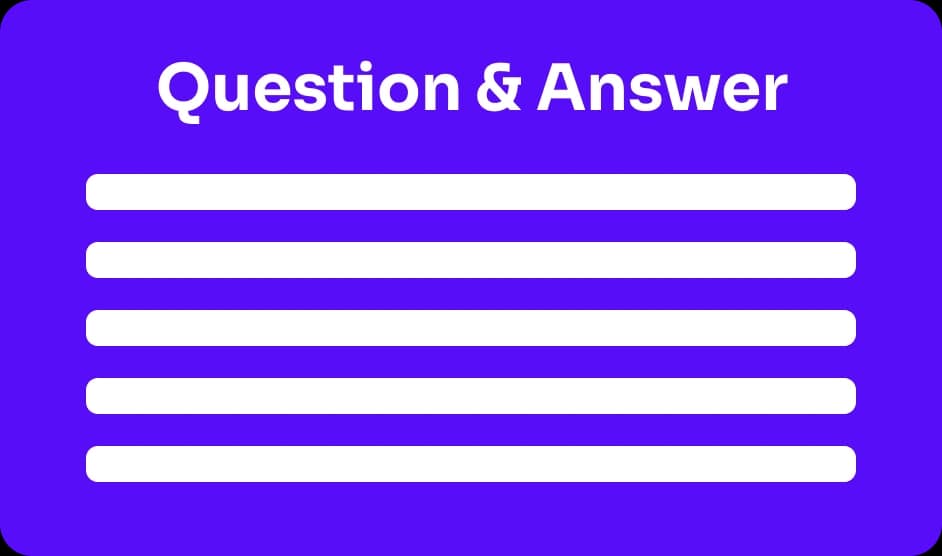
Question-and-answer flashcard generated by Flowledge
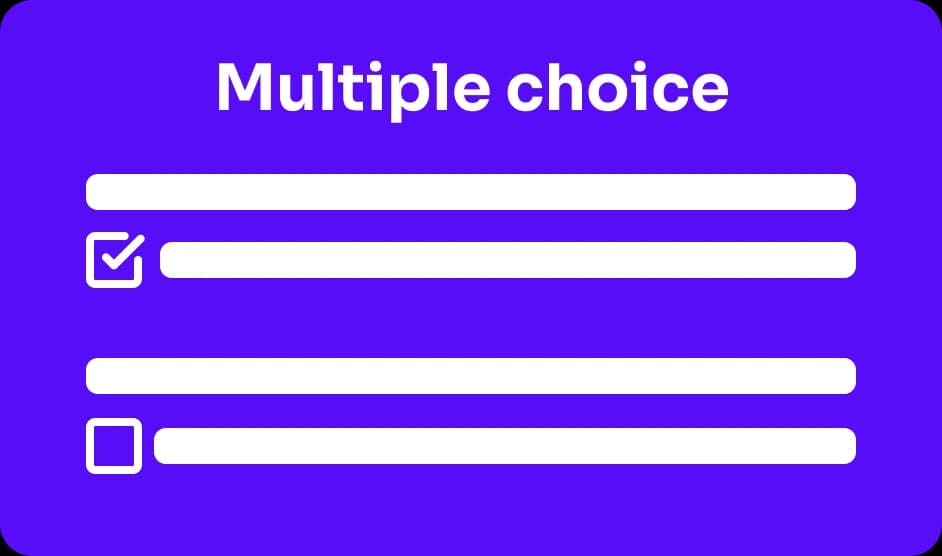
Multiple-choice flashcard generated by Flowledge

No more buzzwords and more results.

We know AI is not magic, but unlike other apps, we offer a tool that actually works.

Enter the flow
Home | Flowledge